 BeforeSelected text
 After
AfterUpdate a promotional discount without a new photo shoot
Update one discount number while preserving the dish, layout and food-delivery campaign styling.
20% OFF25% OFF
Change text directly in photos, graphics, and screenshots without losing quality or font consistency. Fast, precise, and 100% online.
Edit one text area at a time.
By clicking Generate, you confirm you own or are licensed to edit this image and the edit is not intended to deceive a third party.
We do not process IDs, official seals, bank statements, or tampered receipts. Acceptable Use.
See how one focused text change keeps the surrounding image stable.
BeforeSelected textAfterUpdate one discount number while preserving the dish, layout and food-delivery campaign styling.
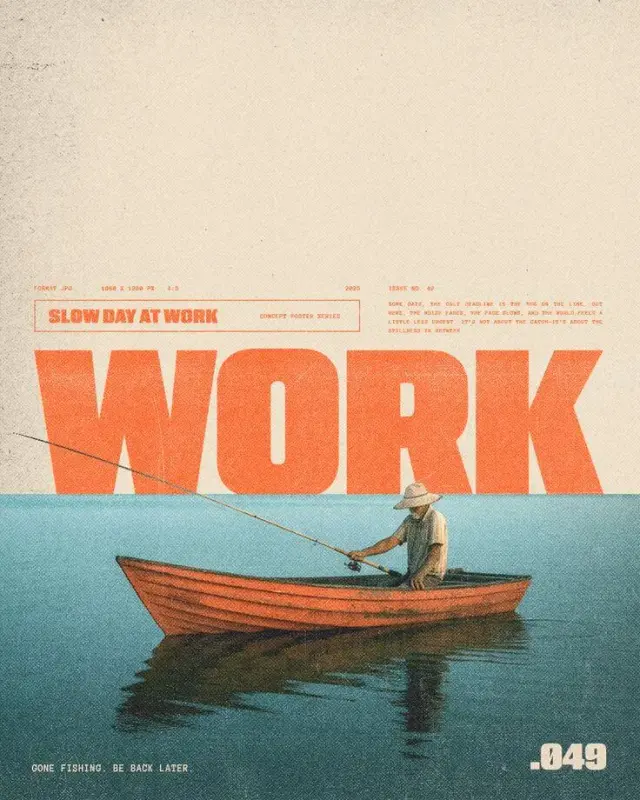 BeforeSelected text
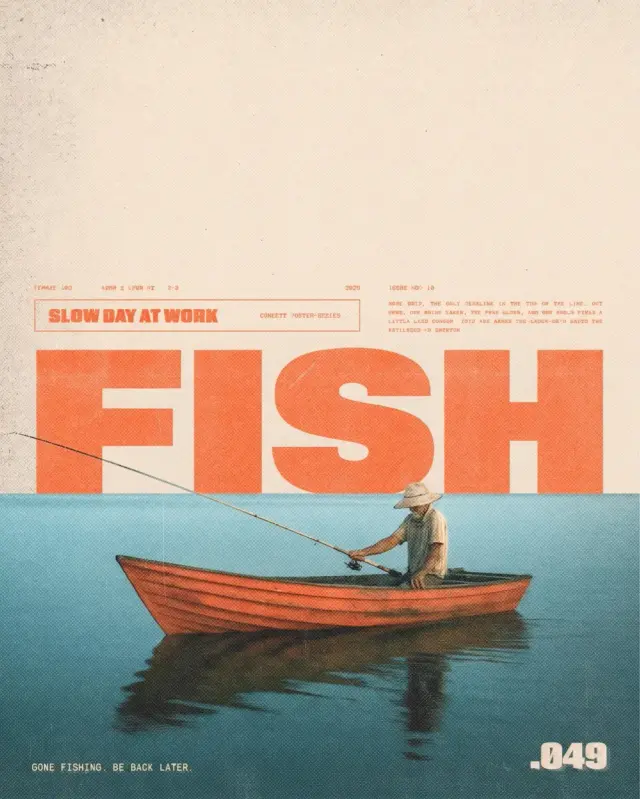 After
AfterChange words seamlessly while matching the exact display typography, composition, and artwork.
 BeforeSelected text
 After
AfterReplace interface copy directly in flattened PNG or JPG mockups without re-exporting Figma layers.
Changing text in an existing picture used to require complex clone stamp and layering tools in desktop software.
Our AI analyzes the selected text region, automatically removes the original letters, reconstructs the underlying background texture, and renders the replacement text in matching typography.
Inpaints gradients, textures, and patterns so the replacement blends invisibly.
Automatically detects font family, color, size, slant, and kerning.
Export and download your edited images cleanly for commercial and personal projects.
Yes, EditTextInImage provides clean image exports without watermarks, giving you high quality and professional results.
Yes, EditTextInImage supports JPEG, PNG, WEBP, and screenshot captures up to 10 MB.
No. Only the targeted text bounding box is edited, leaving the rest of the image in pristine, uncompressed high resolution.
Yes. You can replace Latin, Cyrillic, Greek, Asian, and other script text easily.
The editor analyzes the visible typography, color, texture, lighting and perspective, then renders the replacement in context. Always compare the result before publishing.
Upload PNG, JPEG or WebP files up to 10 MB.
Yes. Sign in with Google to receive enough starter credits for your first edit.
Yes, provided you own the source image or have permission to edit and use it.
Upload an image and use your starter credits for the first edit.