 Before
 After
AfterLocalize a complete summer campaign in one pass
Translate the headline, product categories, savings and CTA into Spanish while keeping every discount visible for review.
EnglishSpanish
Target language
AI may change names, URLs, prices or numbers. Compare the result before publishing.
By clicking Generate, you confirm you own or are licensed to edit this image and the edit is not intended to deceive a third party.
We do not process IDs, official seals, bank statements, or tampered receipts. Acceptable Use.
Compare complete English campaign images translated into Spanish, Japanese and Arabic, including right-to-left layout.
BeforeAfterTranslate the headline, product categories, savings and CTA into Spanish while keeping every discount visible for review.
 Before
 After
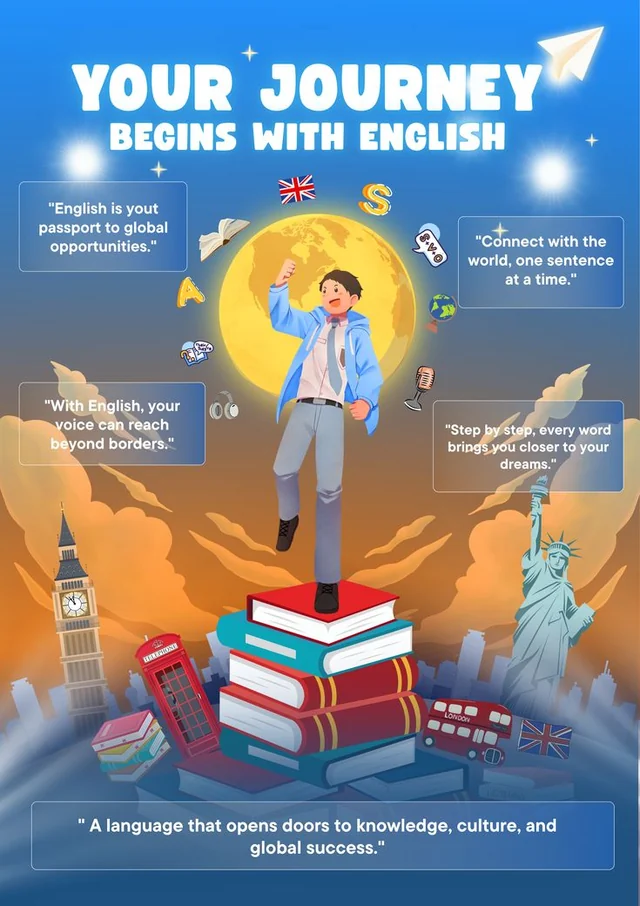
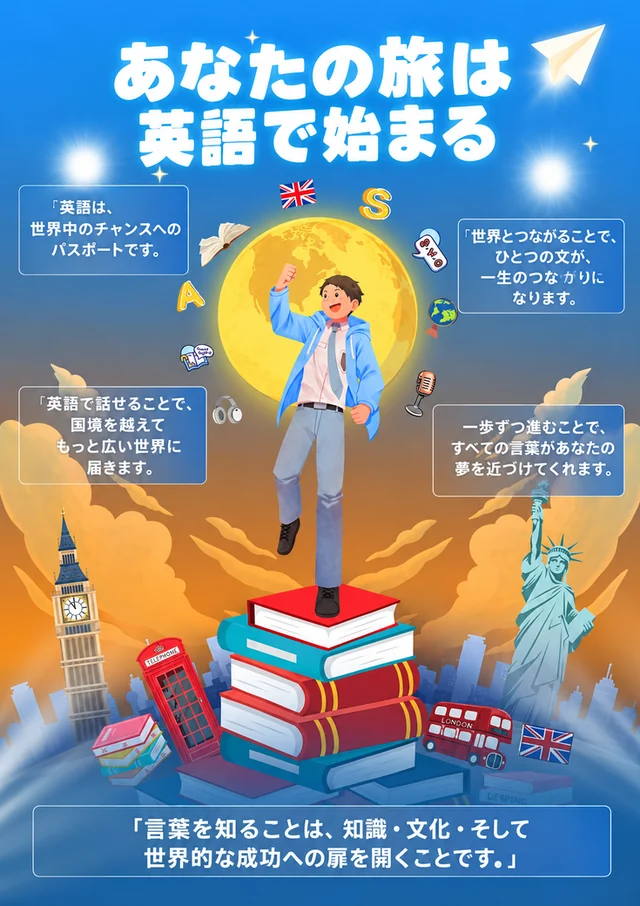
AfterTranslate the headline and multiple quotes while preserving the illustration, cards and visual hierarchy.
 Before
 After
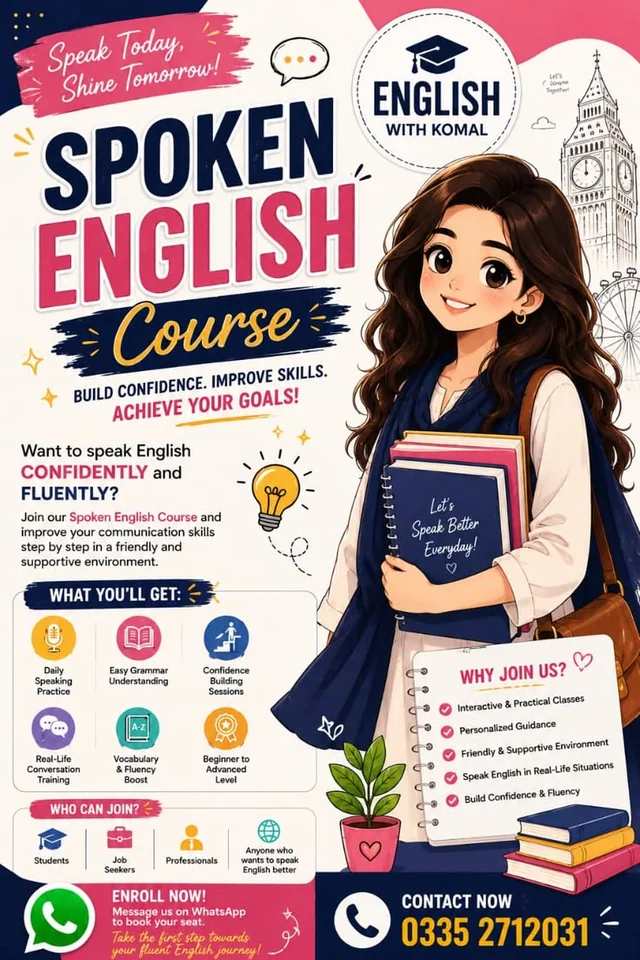
AfterTranslate headings, benefits, labels and calls to action into Arabic while keeping the brand and phone number visible for review.
Whole-image translation detects visible natural-language copy and renders it in your chosen language while attempting to preserve the original design.
Generative translation can still change names, URLs, prices or numbers. In Review wording before translating, choose detected brand or price regions to copy from the original, or supply approved wording for a line. Inspect those boxes and the translated preview, then use Fix one translated area to correct a phrase without translating the whole image again.
Choose one target language instead of transcribing every source text block.
Review names, links, prices, percentages and product details against the original.
Open the translated result in Edit Text and correct any wording that needs exact control.
Yes. Choose Translate whole image and a target language. Always compare the preview because AI may change or omit small text, names, prices or numbers.
Yes. Screenshots, menus, banners, labels and product images are common use cases.
The editor analyzes the visible typography, color, texture, lighting and perspective, then renders the replacement in context. Always compare the result before publishing.
Upload PNG, JPEG or WebP files up to 10 MB.
New accounts receive 6 sign-up credits once account verification is complete. These credits are valid for 30 days and are separate from the daily allowance.
Yes. You can receive 6 free credits each day, in addition to your sign-up credits. The daily allowance is added when you use it after browser verification.
At 00:00 UTC. The navbar and editor show a reset countdown. Unused daily credits expire at the reset and do not accumulate. Separately purchased credits never expire.
One standard 1K edit costs 6 credits. This means the daily allowance covers one 1K edit. The exact credit cost is shown before submission.
A quick browser check protects the daily free allowance. It starts when you choose to use free credits and may ask you to complete a challenge. Your image and edits stay in place if you cancel or retry.
Eligible failed edits return the deducted credits with their original expiry. Daily credits refunded after their UTC reset stay expired. Purchased credits keep their validity.
Yes, provided you own the source image or have permission to edit and use it.
Use EditTextInImage to replace or translate words while preserving the original typography.
Edit text hereWant it gone instead? Brush over unwanted content in RemoveGenie to clean up your photo.
Try RemoveGenieCreate an account for one free 1K text edit. Upload your image, enter the words and review the result.