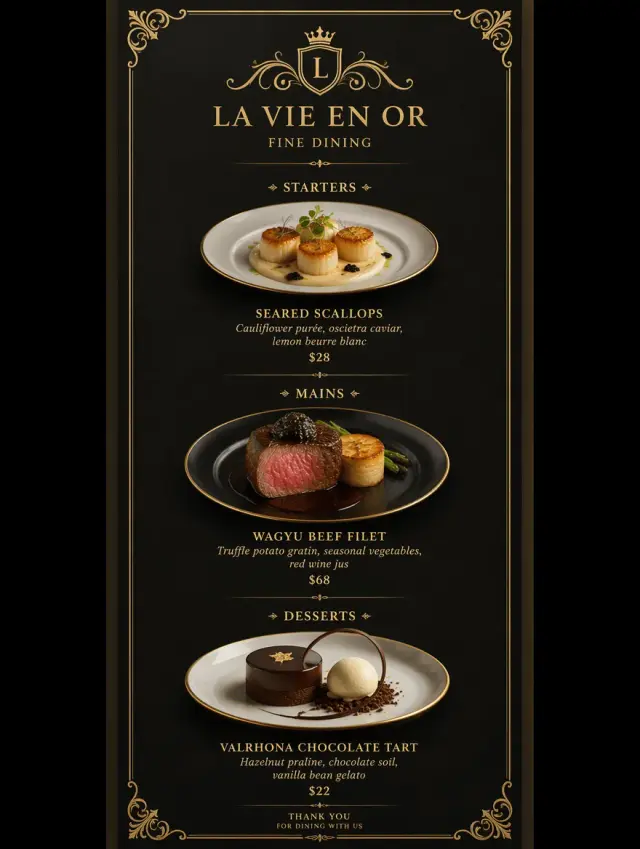
Before
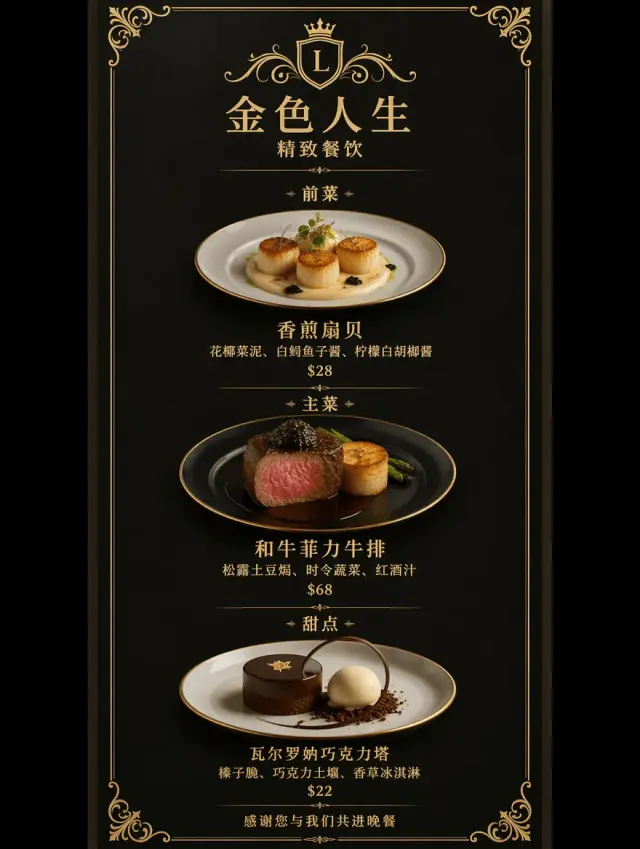
AfterReview promotional copy in a new language
Translate the campaign, then compare the offer, percentage, product and call to action with the original. Protect any detected values that must remain unchanged.
Translate text baked into a product graphic or promotional image. Choose a language, protect detected brand names and prices, and supply approved wording where accuracy matters. Review the result before listing it.
Target language
AI may change names, URLs, prices or numbers. Compare the result before publishing.
By clicking Generate, you confirm you own or are licensed to edit this image and the edit is not intended to deceive a third party.
We do not process IDs, official seals, bank statements, or tampered receipts. Acceptable Use.
Image translation starts with a reviewable preview. These existing campaign examples show the kinds of layouts to inspect; they are not guarantees of translation accuracy.
Before
AfterTranslate the campaign, then compare the offer, percentage, product and call to action with the original. Protect any detected values that must remain unchanged.
Before
AfterRead each name and description before using a translated image. Supply approved wording for a key line, and use single-area refinement if the generated text needs correction.
A marketplace translation tool may translate listing text without changing the words embedded in your JPG or PNG. This workflow works on the finished image itself. It handles one image and one target language at a time; it does not publish listings or translate an entire store.
Open Review wording before translating to read detected text. Select a brand, price or number to keep its original pixels, or enter approved translated wording for a detected line. Protected boxes also retain any nearby content inside them, so check their scope. Approved wording guides generation and still needs visual verification.
After generation, compare the image and use the single-area refinement action to correct a phrase. Check units, quantities, ingredients, safety text and regulated claims with a qualified reviewer. Machine translation is a preview, not approval to sell a relabeled product.

Copy chosen detected areas from the original rather than relying only on a model instruction.
Provide the translation for a key line before generating.
Continue from the translated result and refine an individual phrase.
Yes, if you have permission to edit and use them. Choose English as the target language. In the wording review, select Chinese for recognition when needed. Check the translation, product details and protected regions before publishing.
Choose their detected regions in the wording review. Those rectangles are copied from the original into the result, including anything else inside them. Text recognition can miss words or estimate a box poorly; inspect the regions and the final image.
Yes. Enter approved wording for a detected line before generating, or use Fix one area with exact text. The model can still make a lettering mistake, so compare the visible output with your wording.
This tool currently handles one image and one language per generation. There is no bulk catalog import, automatic marketplace upload or batch ZIP export.
No. Have ingredients, safety statements, quantities and other regulated claims reviewed for the intended market. This tool does not verify legal or labeling compliance.
The editor shows the credit cost for the selected quality before generation. New accounts receive 12 starter credits, enough for two 1K edits. Purchased credits do not expire.
Use EditTextInImage to replace or translate words while preserving the original typography.
Edit text hereWant it gone instead? Brush over unwanted content in RemoveGenie to clean up your photo.
Try RemoveGenieCreate an account for two free 1K text edits. Upload your image, enter the words and review the result.