 BeforeSelected text
 After
Presentations
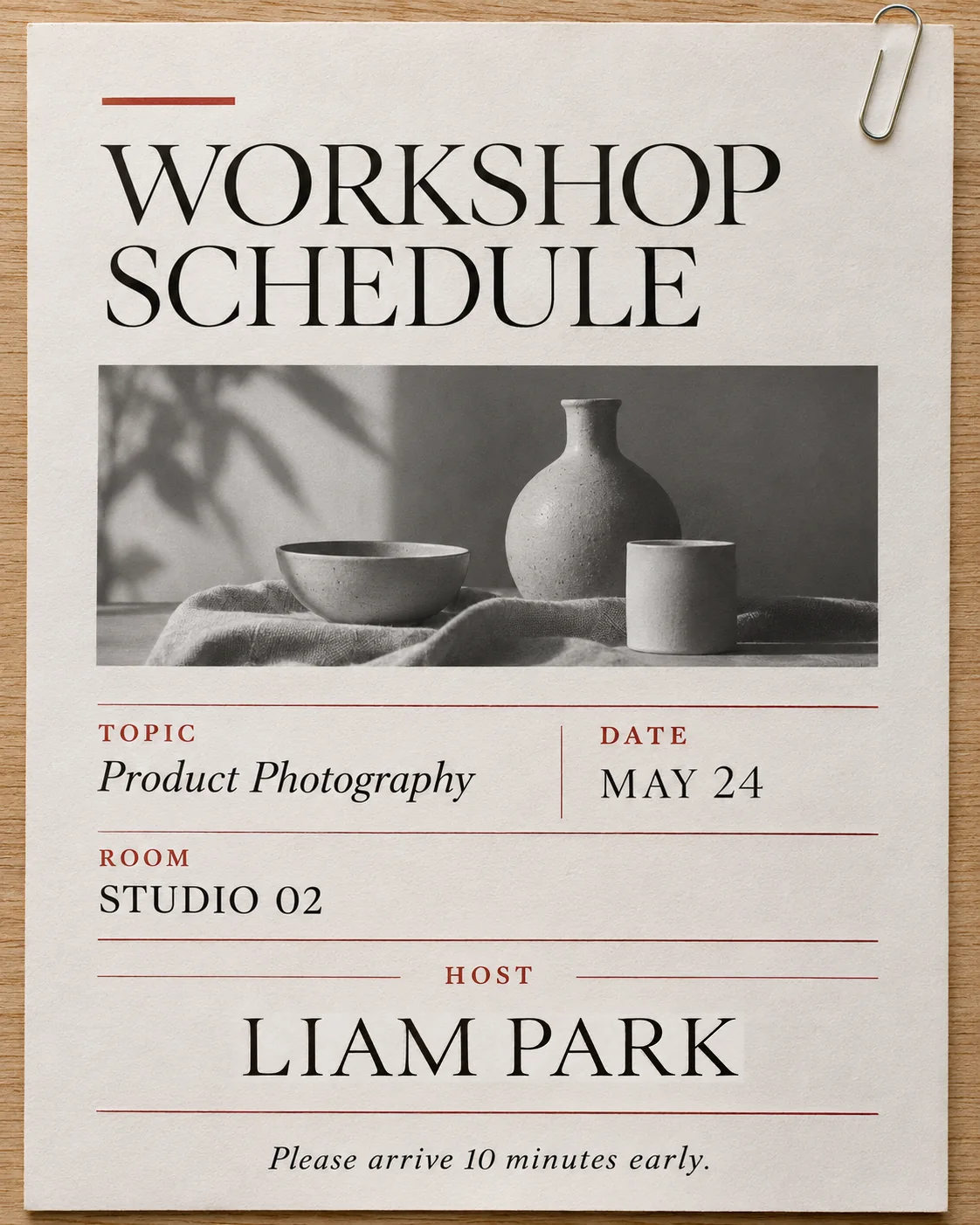
Correct a host name on a workshop notice
MAYA CHEN becomes LIAM PARK. Compare the remaining workshop information, photograph, fine rules and paper texture.
MAYA CHENLIAM PARK
Explore focused changes to finished images, with a different review checklist for each kind of material.
BeforeSelected textAfterMAYA CHEN becomes LIAM PARK. Compare the remaining workshop information, photograph, fine rules and paper texture.
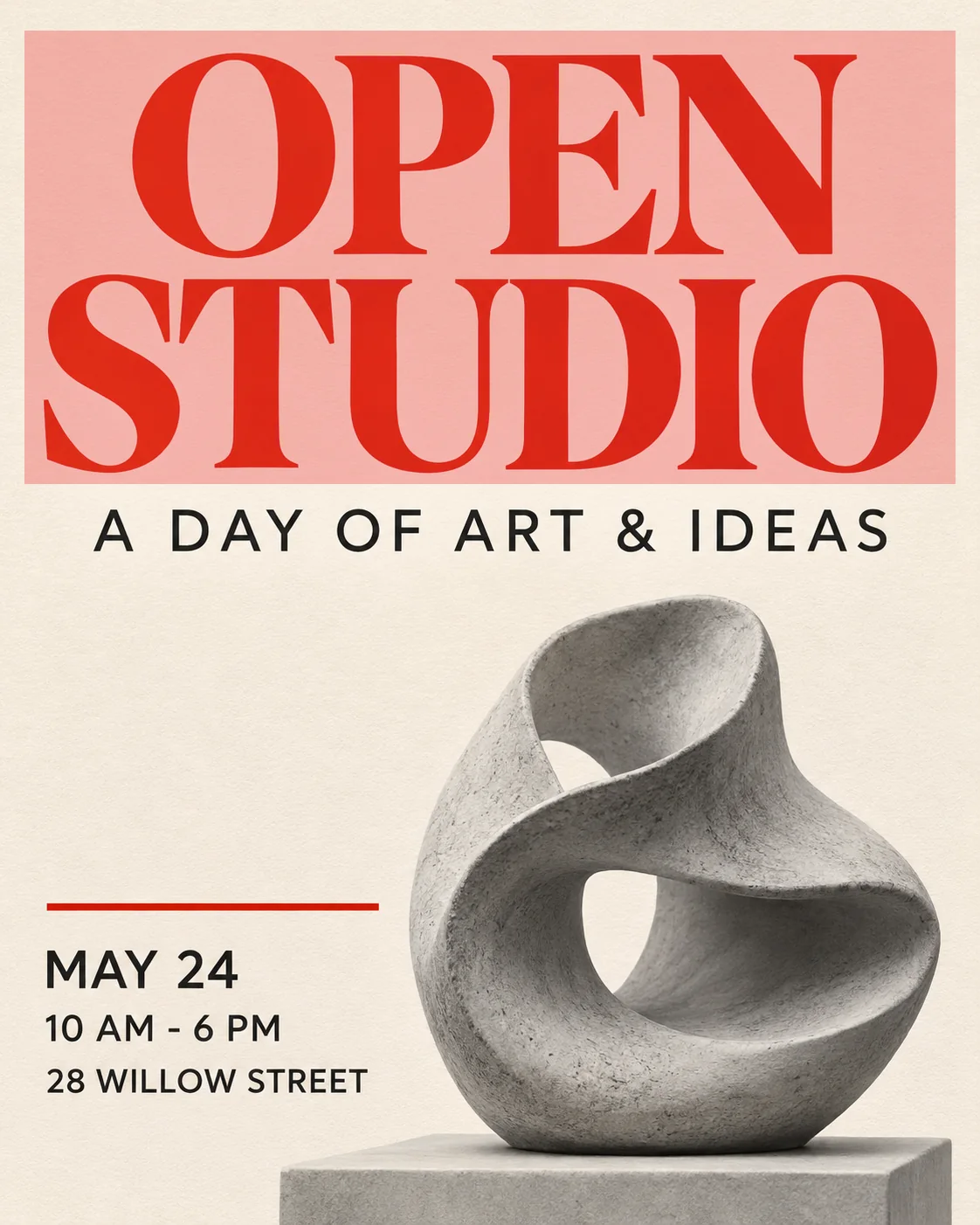
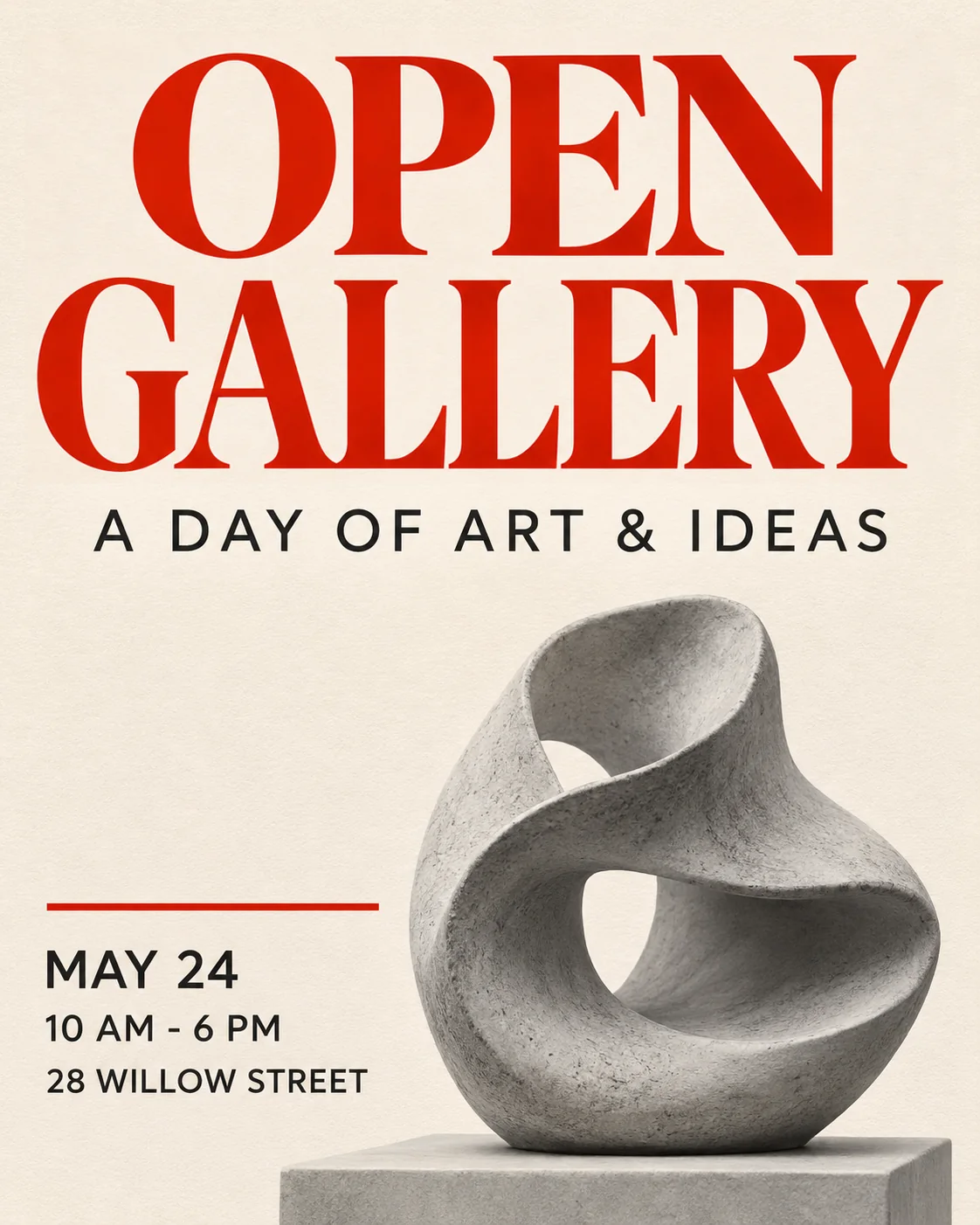
OPEN STUDIO becomes OPEN GALLERY. Review the red display type alongside the sculpture, date, time and address.
 BeforeSelected text
 After
 BeforeSelected text
 After
Replace the headline in this fictional Northstar interface. Compare the 12 / 84 / 8 figures, navigation, project cards and button.
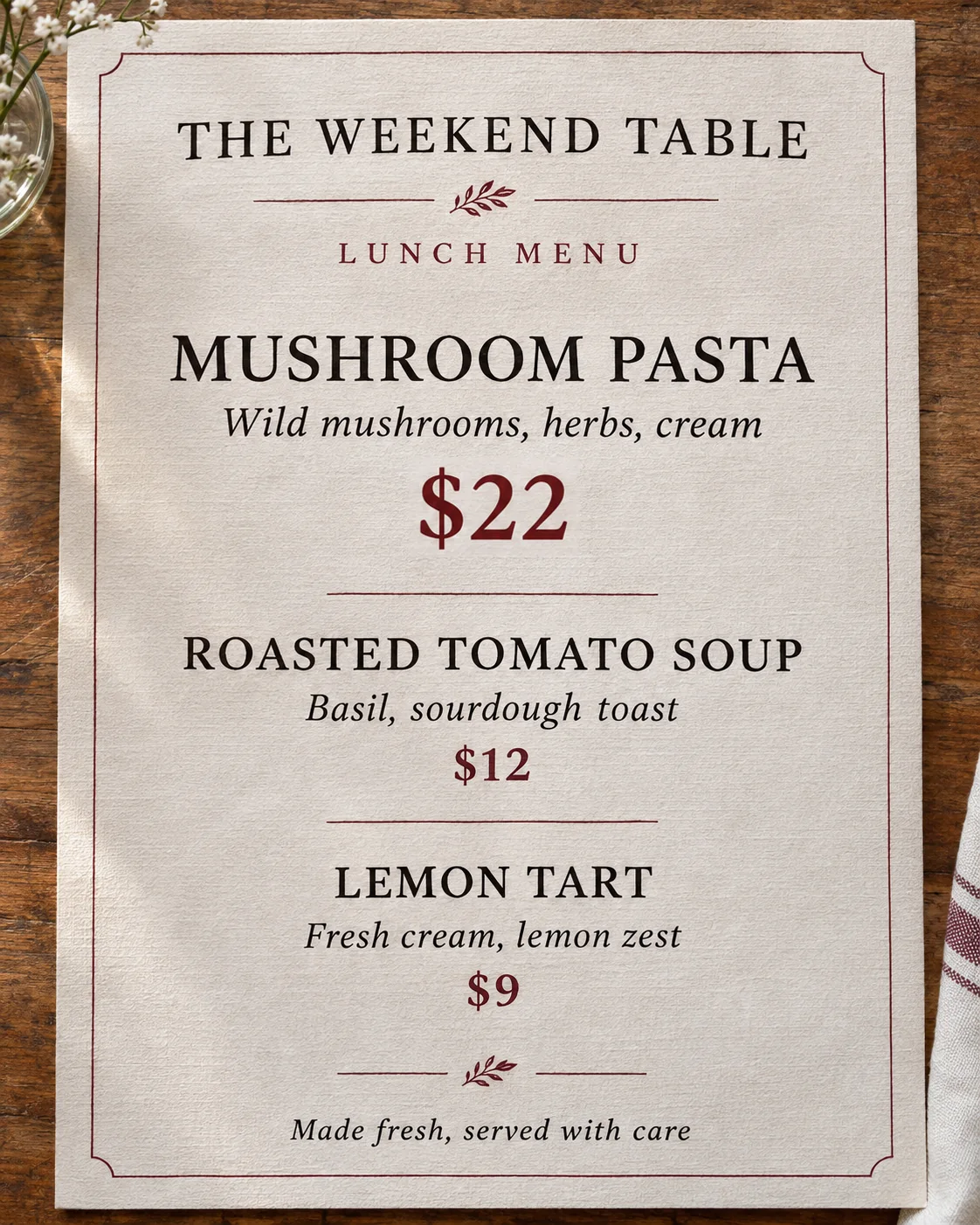
Change the MUSHROOM PASTA price from $18 to $22. Compare the dish names, $12 and $9 prices, paper texture and rules.
 BeforeSelected text
 After
 BeforeSelected text
 After
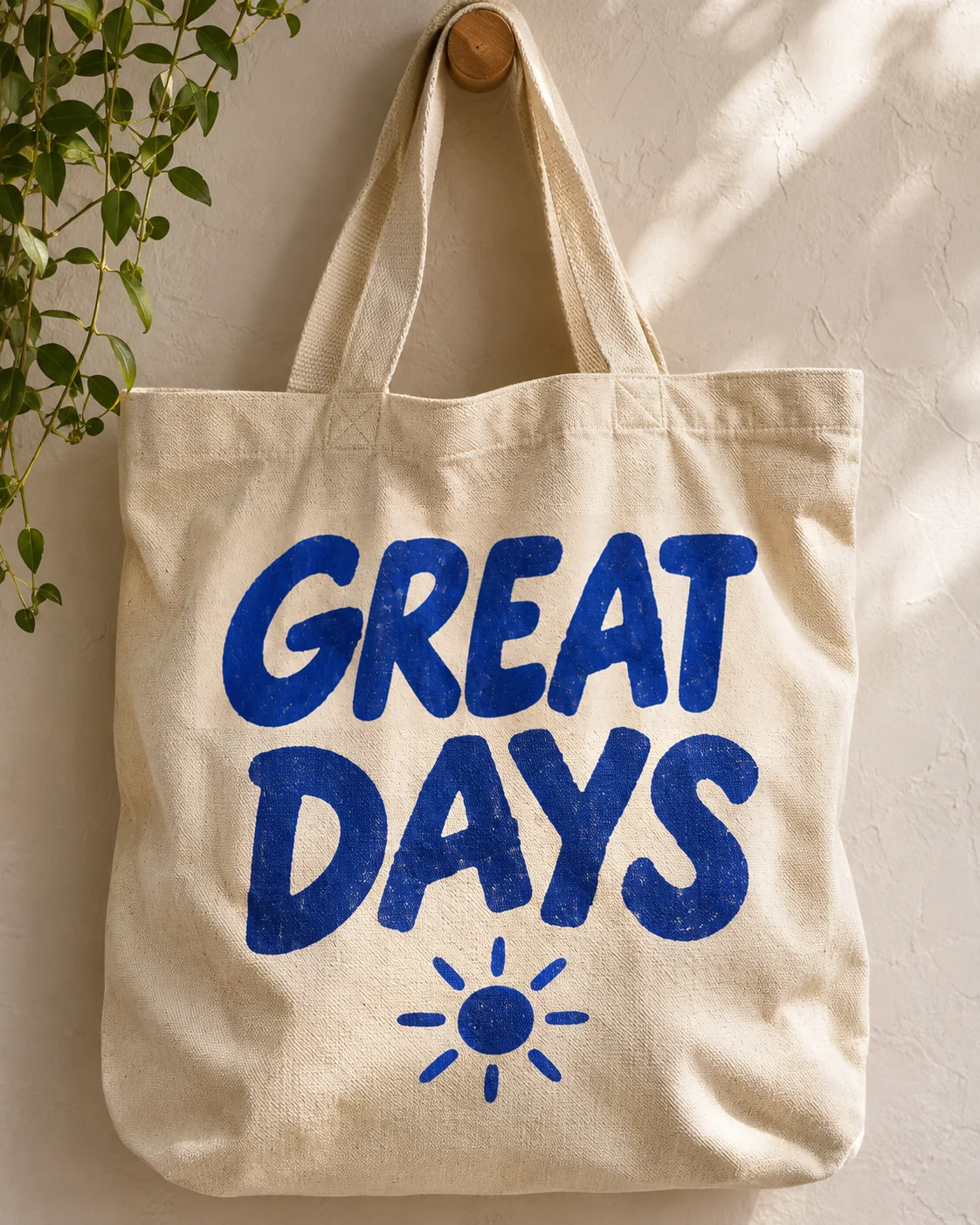
GOOD DAYS becomes GREAT DAYS. Inspect the fabric weave, folds, ink texture, sun motif and cast shadow.
Move an event date while keeping the event name, ticket price and surrounding poster art unchanged.
 BeforeSelected text
 After
The highlighted box marks the area where the editor should focus.
EditTextInImage is an online image text editor for replacing existing words in PNG, JPEG and WebP files. Edit text in an image when the source design file is missing: enter the visible wording and its replacement, review the location and generate a focused change.
Use the comparison to check both the replacement and the surrounding image. Edit text in an image with a clear copy decision, then review names, numbers, logos and small labels independently. A successful generation is not a guarantee that every detail is correct.
For a precise correction, replace one complete word or line at a time. For a translation preview, choose the target language and review important wording before translating. AI can alter nearby details, so compare at full size.
Start with the words. We’ll find matching locations automatically; use the optional selection only when no reliable match is found.
Use a PNG, JPEG or WebP image up to 10 MB.
Copy the visible wording exactly, including punctuation and line breaks.
Review the highlighted match, or choose the right numbered location when the text appears more than once.
Use Compare to review the selected area and the surrounding image before downloading.
Use EditTextInImage to replace or translate words while preserving the original typography.
Edit text hereWant it gone instead? Brush over unwanted content in RemoveGenie to clean up your photo.
Try RemoveGenieEdit text in an image when a finished file contains wording that needs an approved change. Use a focused replacement for one label, headline or price. If several lines need another language, choose translation and inspect its broader preview. The editor works on the image itself; it does not update a live app, a booking system or the physical product shown in a photograph.
Keep the original and write down the exact new wording. To edit text in an image with repeated words, review the numbered matches before choosing the area. The optional selection helps when automatic matching cannot find a reliable location. No design source or font upload is required for a visual replacement, but the output remains an image rather than recovered editable text layers.
When you edit text in an image, read every replacement character before judging the style. Compare weight, spacing, baseline and shadows, then inspect nearby artwork and small print. A longer replacement can fit differently, and textured lettering or a reflective surface can be difficult. A completed generation means an output was produced, not that every visible detail is accurate.
Selected-area edits retain pixels outside the approved rectangle in the normalized lossless result. Lettering and texture inside it can still be rebuilt. Whole-image translation has broader scope, with separate controls for retaining selected regions. Edit text in an image one area at a time when several unrelated corrections are needed, and keep the source available for comparison until the final download is approved.
One standard 1K edit costs 6 credits, so the daily allowance can cover one such edit. Browser or account verification may be required for the available workflow. New accounts receive a separate 6-credit sign-up gift after verification, valid for 30 days. If you edit text in an image with daily credits, unused allowance expires at 00:00 UTC rather than accumulating.
Purchased credit packs do not expire and do not renew as a subscription. The editor shows the applicable cost before submission. In this workflow, 1K and 2K describe editing quality while the final image keeps the source canvas dimensions. Edit text in an image with material you own or have permission to use, then check the result before publication. Commercial use does not remove the need to verify rights, wording or product claims.
One-time credit packs priced in USD. Purchased credits never expire.
For occasional edits
For regular creators
Best value for studios
Contact us for custom pricing on 10,000+ credits. support@edittextinimage.com
Everything you need to know before your first edit.
Upload or paste an image, enter the original wording and exact replacement, then review the matched location. Generate and compare the new characters and surrounding details before downloading.
Yes. This workflow replaces text already embedded in the image. Use a design or caption tool when you want to add new words in an empty area or arrange a fresh layout.
No font upload is required for a visual match. The editor does not identify an exact font family or recover editable text layers. Compare the new lettering, spacing and texture with the source.
The daily allowance is 6 credits, enough for one standard 1K edit, subject to browser or account verification. New accounts receive a separate 6-credit sign-up gift after verification, valid for 30 days. Daily allowance resets at 00:00 UTC and does not accumulate.
Selected-area edits retain pixels outside the approved rectangle in the normalized lossless result. The patch inside it can change. Whole-image translation has broader scope; compare its unprotected areas separately.
Eligible failed edits return deducted credits with their original expiry. Daily credits refunded after their UTC reset stay expired. Purchased credits retain their validity. A result that needs a visual correction is not automatically the same as a failed task.
Yes, if you own the source or have permission to edit and use it commercially. Review important wording and claims. Do not use the service to falsify official records, identity documents or transaction evidence.
Upload or paste an image and enter the original text and exact replacement. Selecting an area is optional.
COFEE to COFFEE from upload to download, then more real results.
No sound. Use the video controls to pause or replay.